
Release Forms are used to track consent when media features multiple people such as collaborations with other creators. Before sharing multi-person content, you need to tag the other creators involved and ensure they've given approval.
Go to Release Forms in the left navigation menu.
What Are Release Form Tags?
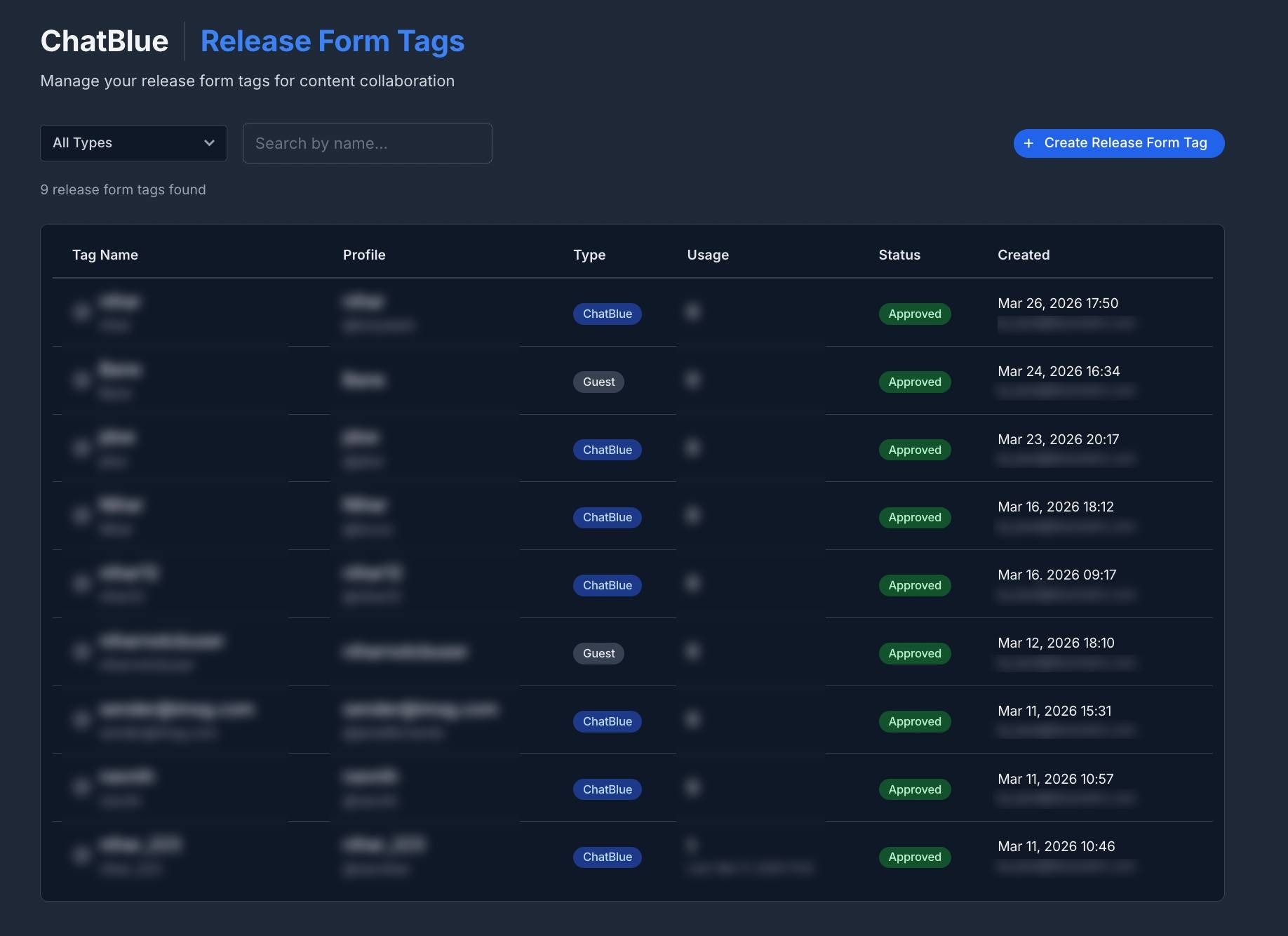
A Release Form Tag represents another creator who appears in your media. Each tag tracks:
- Creator profile - Name, username, and avatar
- Tag type - ChatBlue (a partner on the platform) or Guest (an external collaborator)
- Approval status - Whether the creator has consented to appear in the content
- Usage - How many times the tag has been used and when it was last used
Creating a Release Form Tag
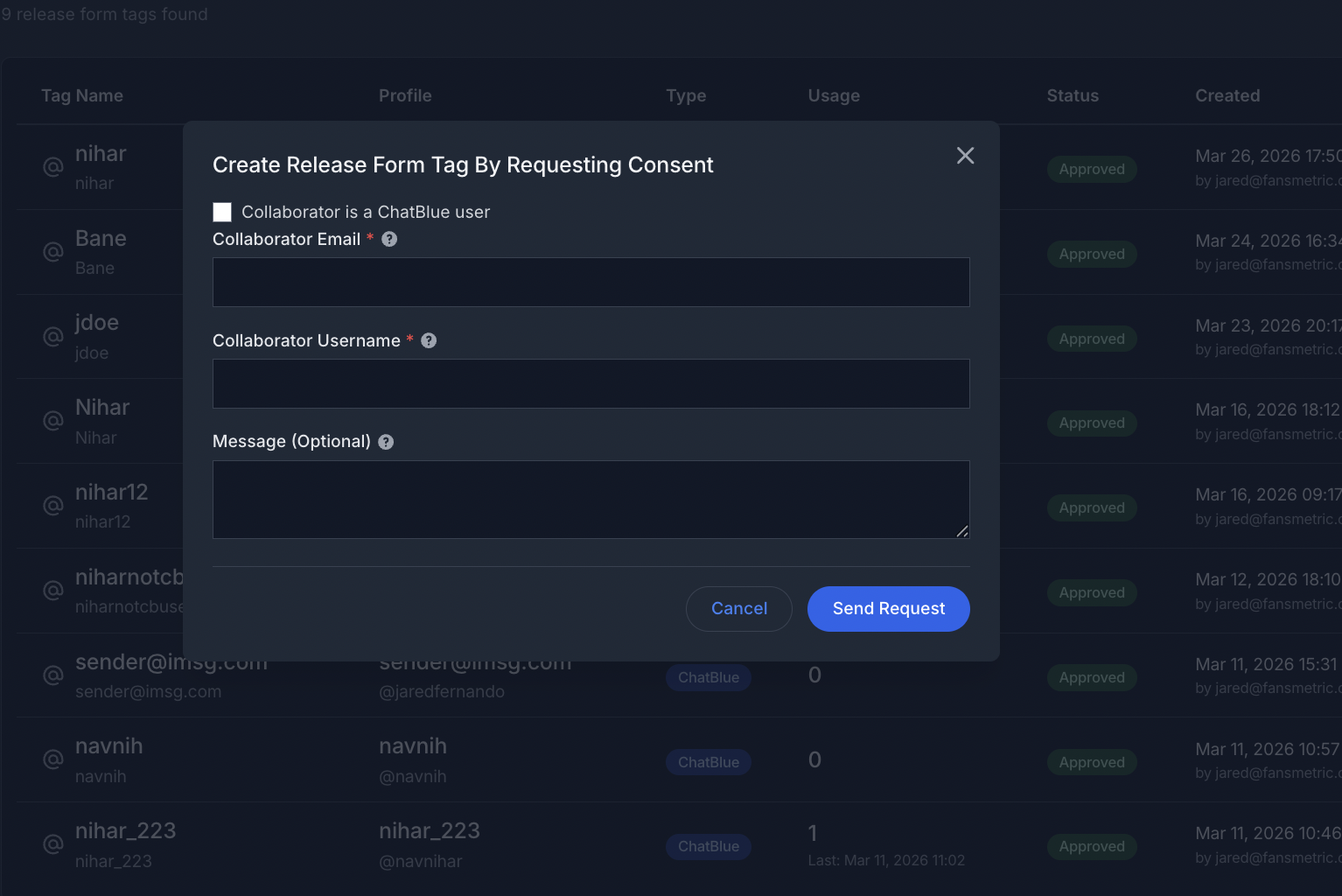
Click "Create Release Form Tag"
Choose the tag type:
- ChatBlue - For creators who are also on the ChatBlue platform
- Guest - For external or guest collaborators
Fill in the required profile details
Submit the consent request
Managing Tags
From the Release Forms page, you can:
- View all tags with their approval status, type, and usage count
- Filter by type - ChatBlue or Guest
- Search by creator name
- Track usage - See how many times each tag has been used and the last usage date
Approval Workflow
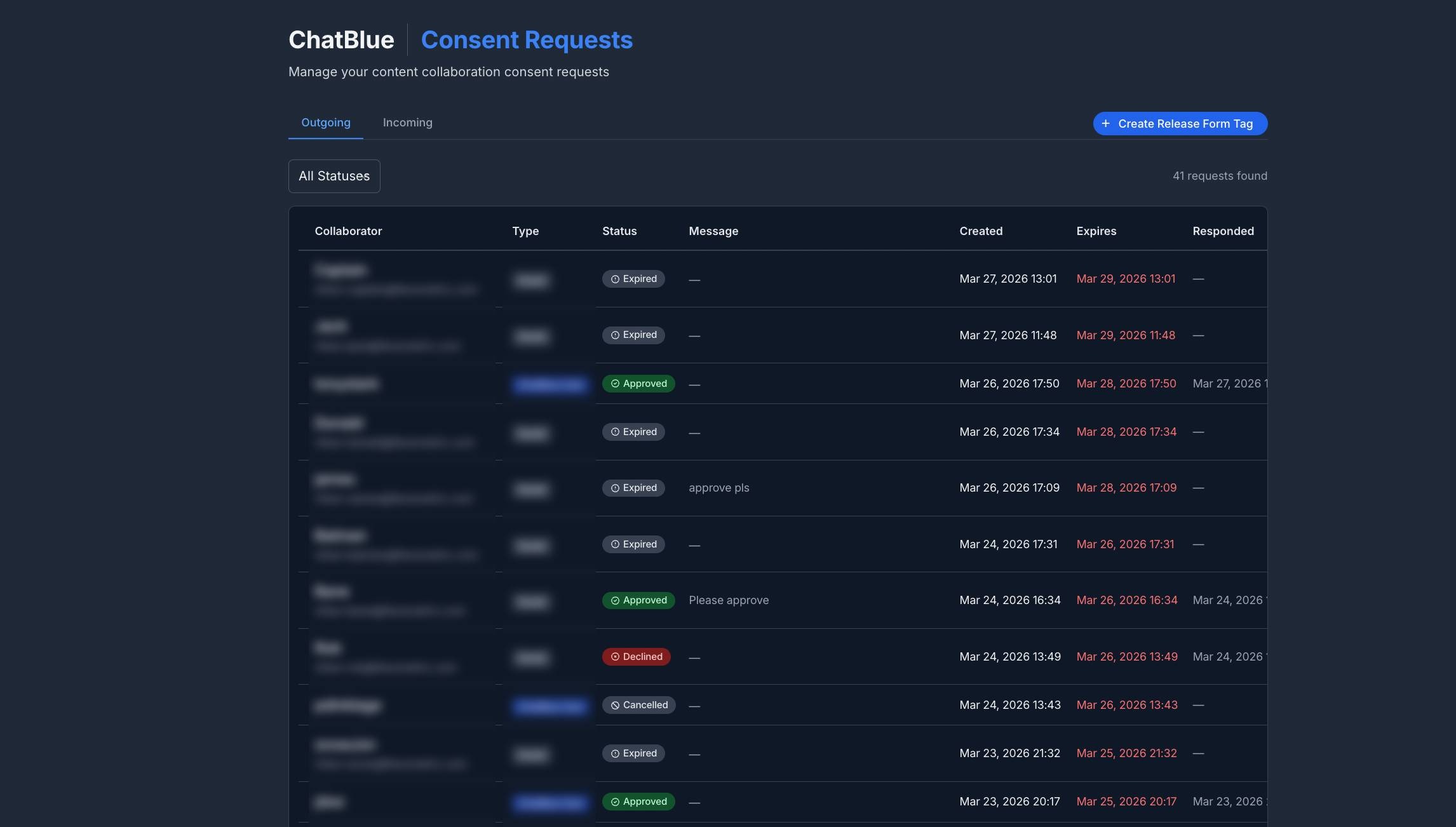
Each tag goes through an approval process:
- Pending Approval - Consent request has been sent, waiting for response
- Approved - Creator has given consent to appear in content
- Rejected - Creator did not grant consent
- Cancelled - Consent request was cancelled
- Expired - Consent request expired without a response
Only Approved tags should be used when sharing multi-person media.
Tagging Creators in Messages
When sending media that features other creators:
- In the message composer, click "Tag creators"
- Select the relevant Release Form Tags from your list
- The tags are attached to the message for compliance tracking
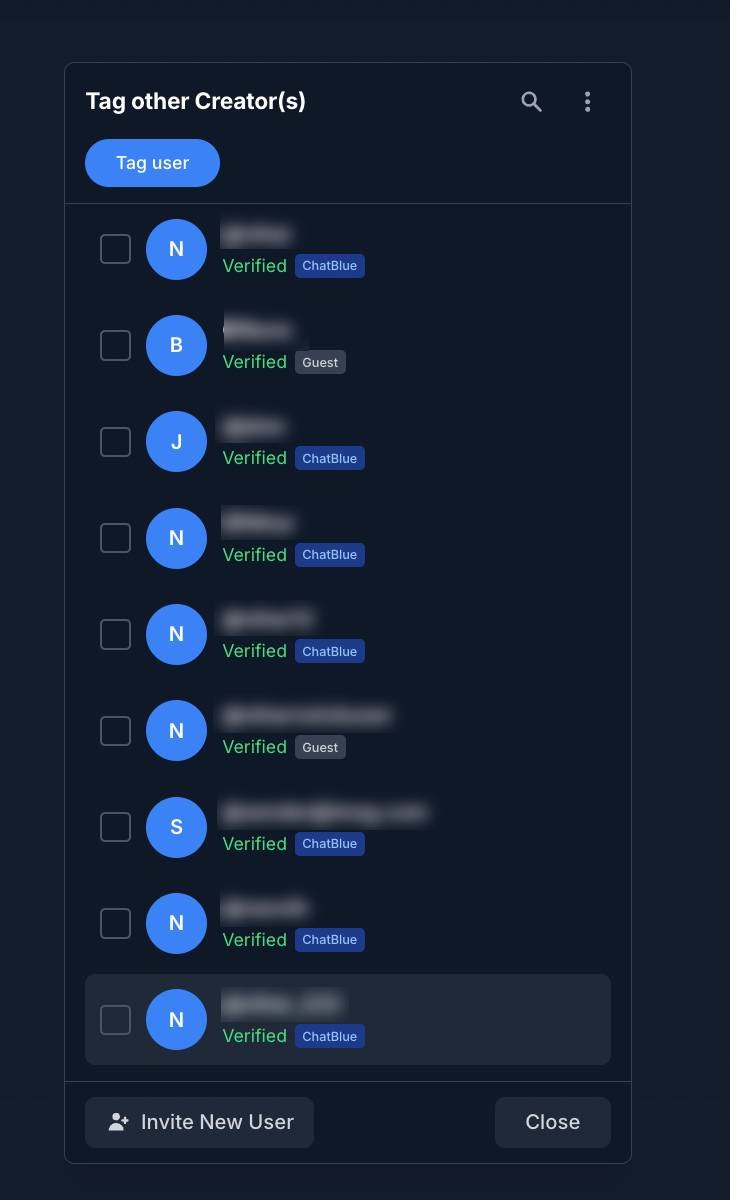
You can also tag creators during media upload in the Vault.

Why Release Forms Matter
ChatBlue automatically detects when uploaded media contains multiple people and flags it as "Needs Release Forms" in the Vault. Media flagged this way cannot be sent to fans until the appropriate Release Form Tags are attached, ensuring all participants have given consent.