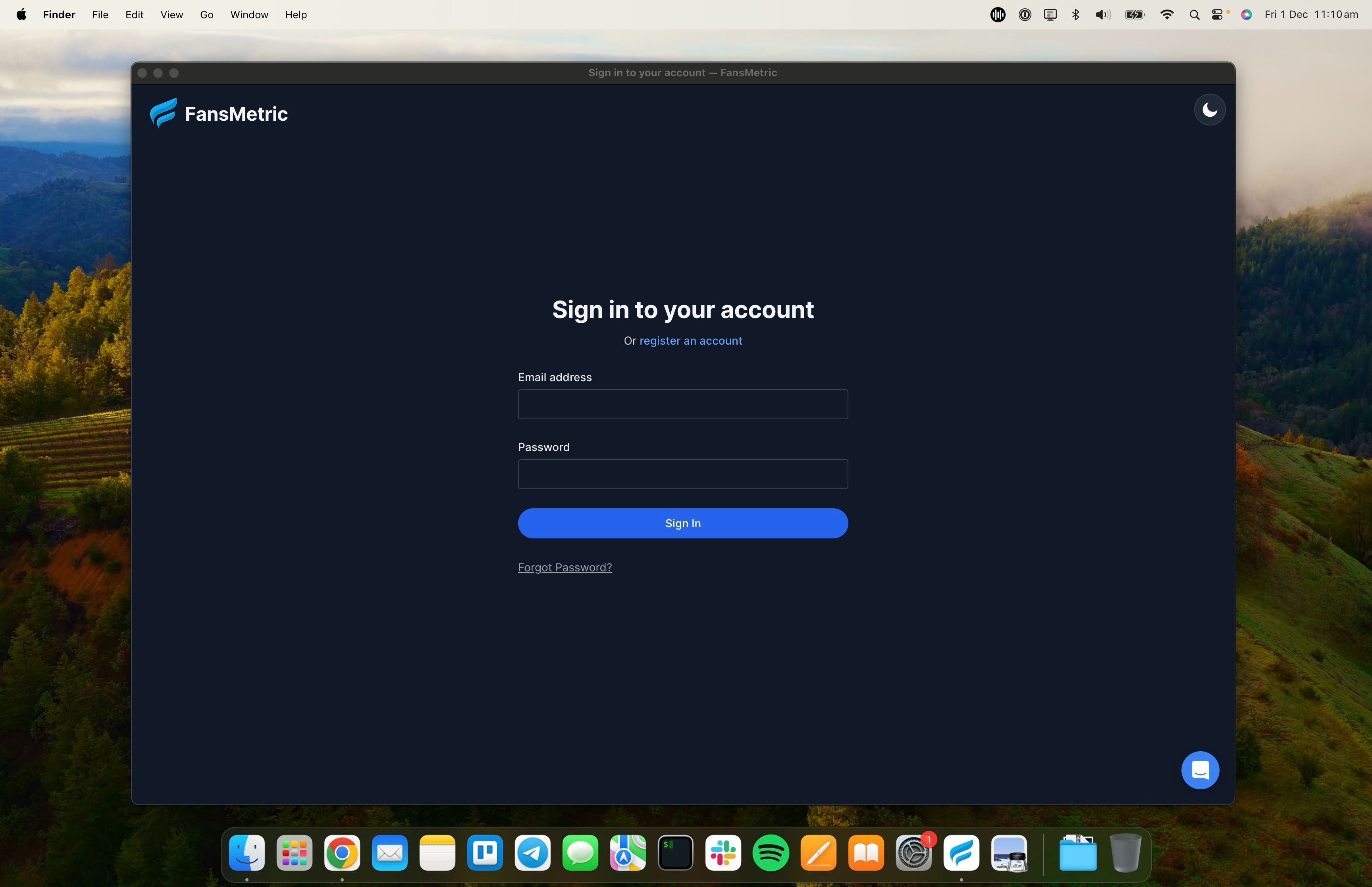
The Desktop App is your portal for linking and accessing your OnlyFans accounts.
You can also access FansMetric from a standard web browser / phone, but you'll need the Desktop App to access the OnlyFans Client.
Using Mac? Jump to MacOS Installation
Windows Installation
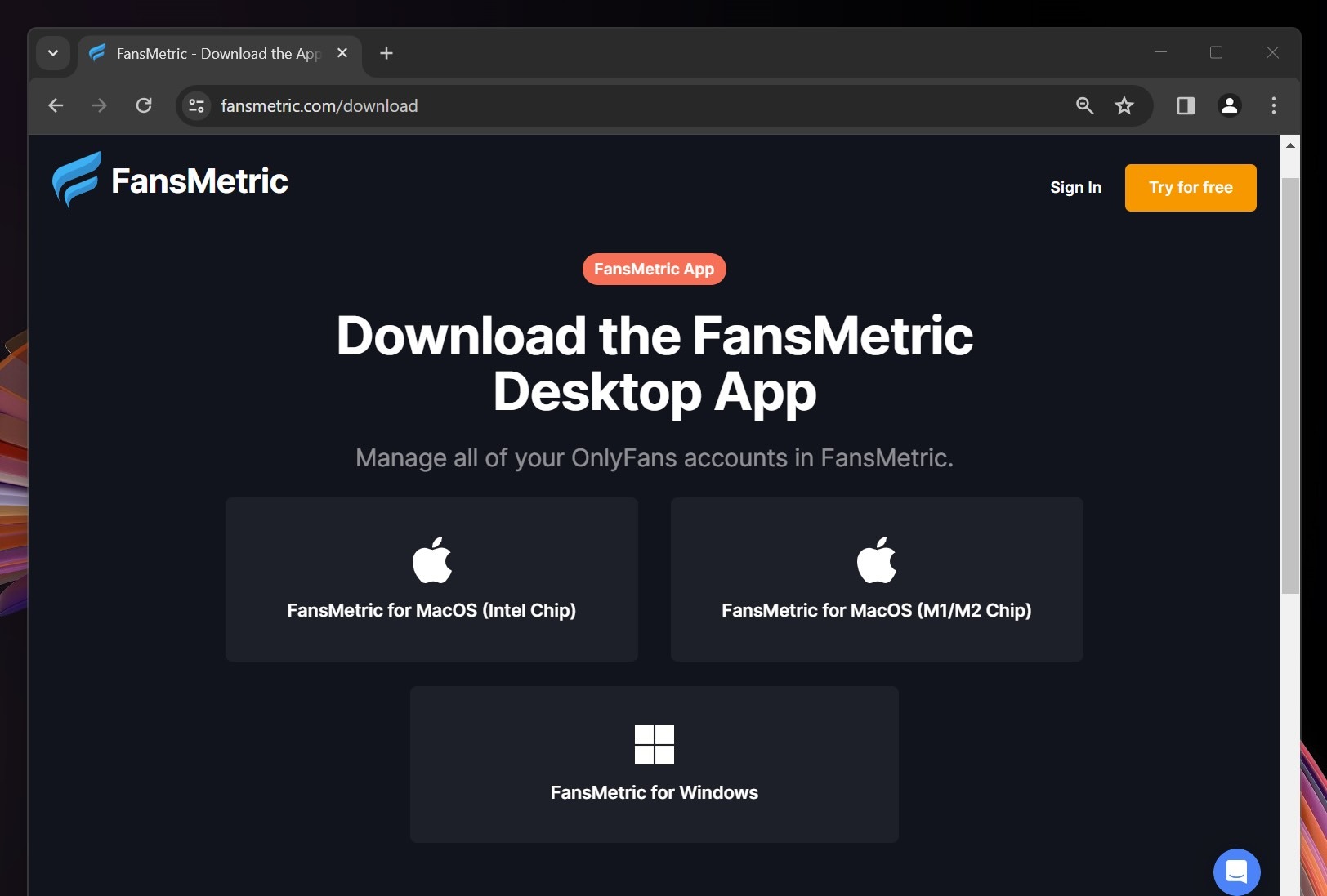
Step 1: Download the Installer
- Visit the FansMetric Download page.
- Download the Windows Installer.
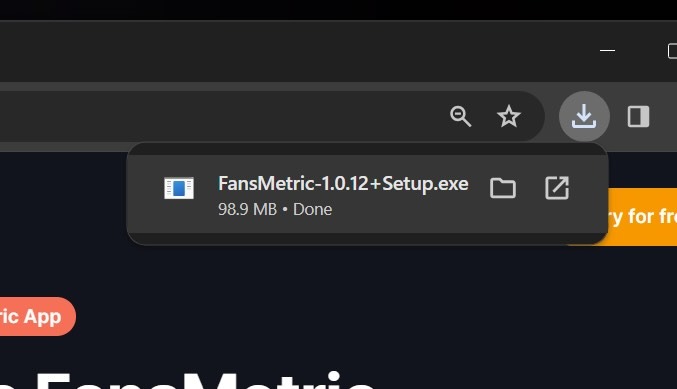
Step 2: Open the Installer
- Find the dowloaded installer in your browser or in your Downloads folder
- Double click the .exe file to open it.
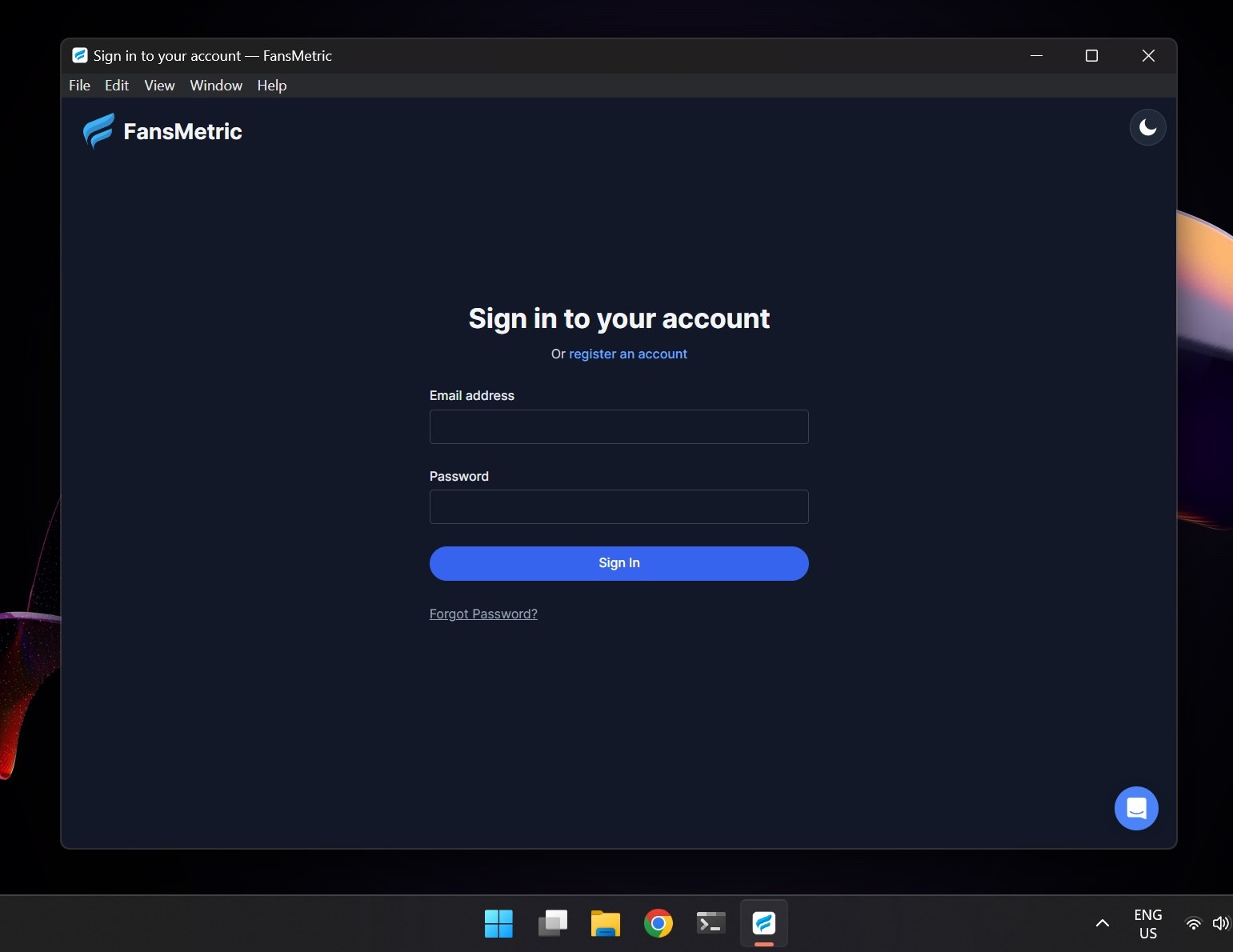
Step 3: Sign in to your Account
- That's it! Sign in to your existing FansMetric account or register a new one.
MacOS Installation
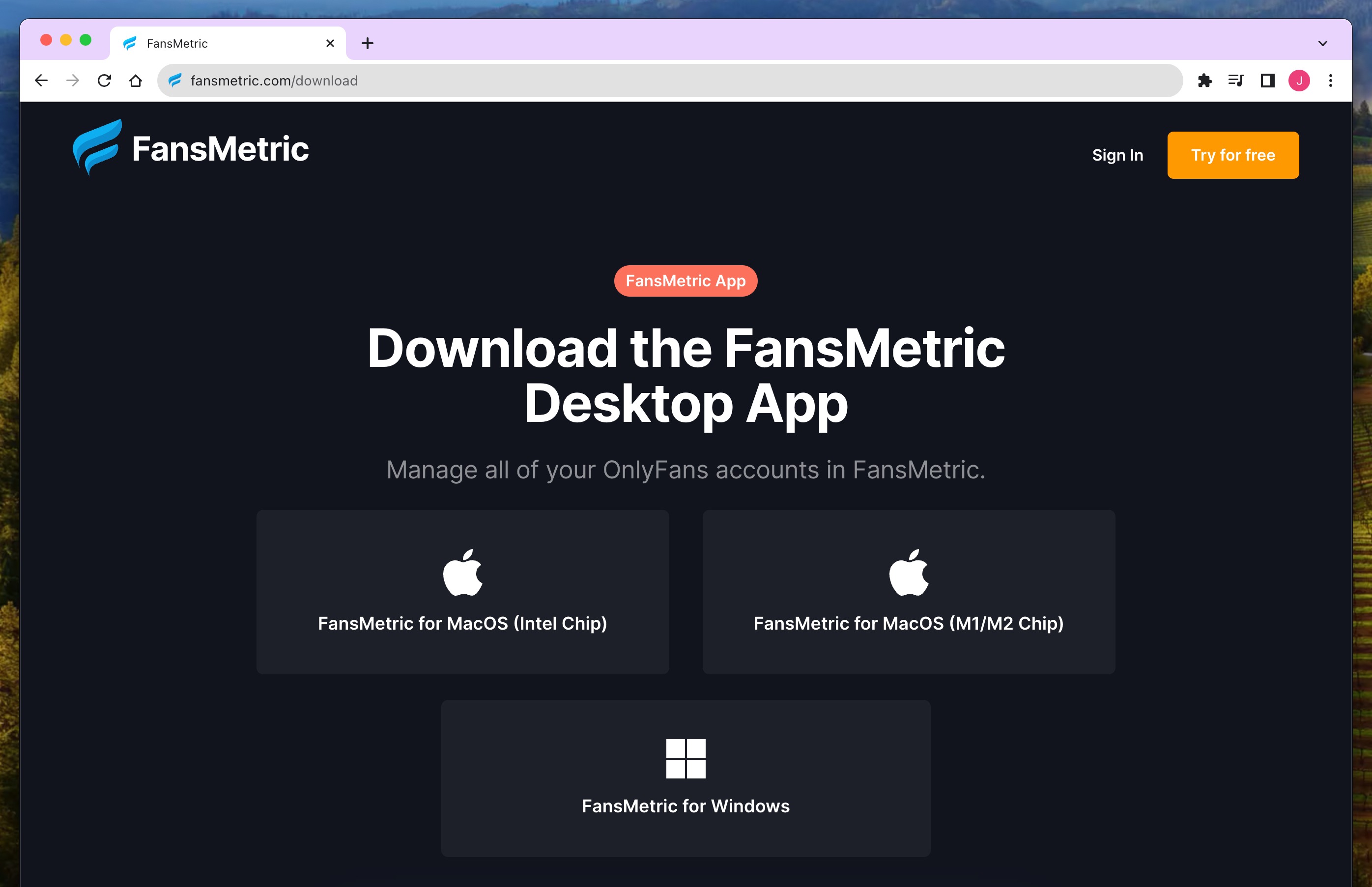
Step 1: Download the Installer
- Visit the FansMetric Download page.
- Download the MacOS Installer that matches your chip type (Intel or Apple Silicon)
Step 2: Open the Installer
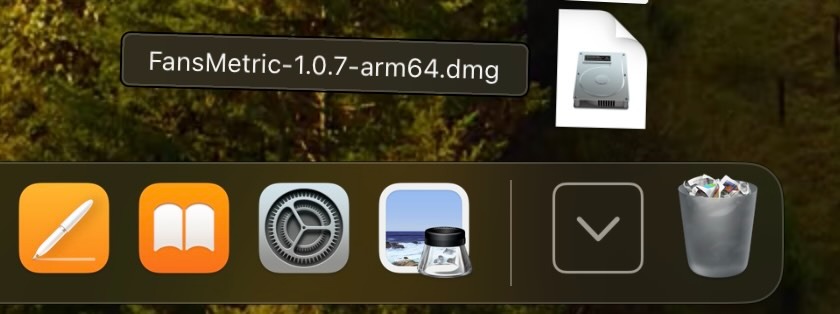
- Navigate to your Downloads folder
- Double click the .dmg file to open it.
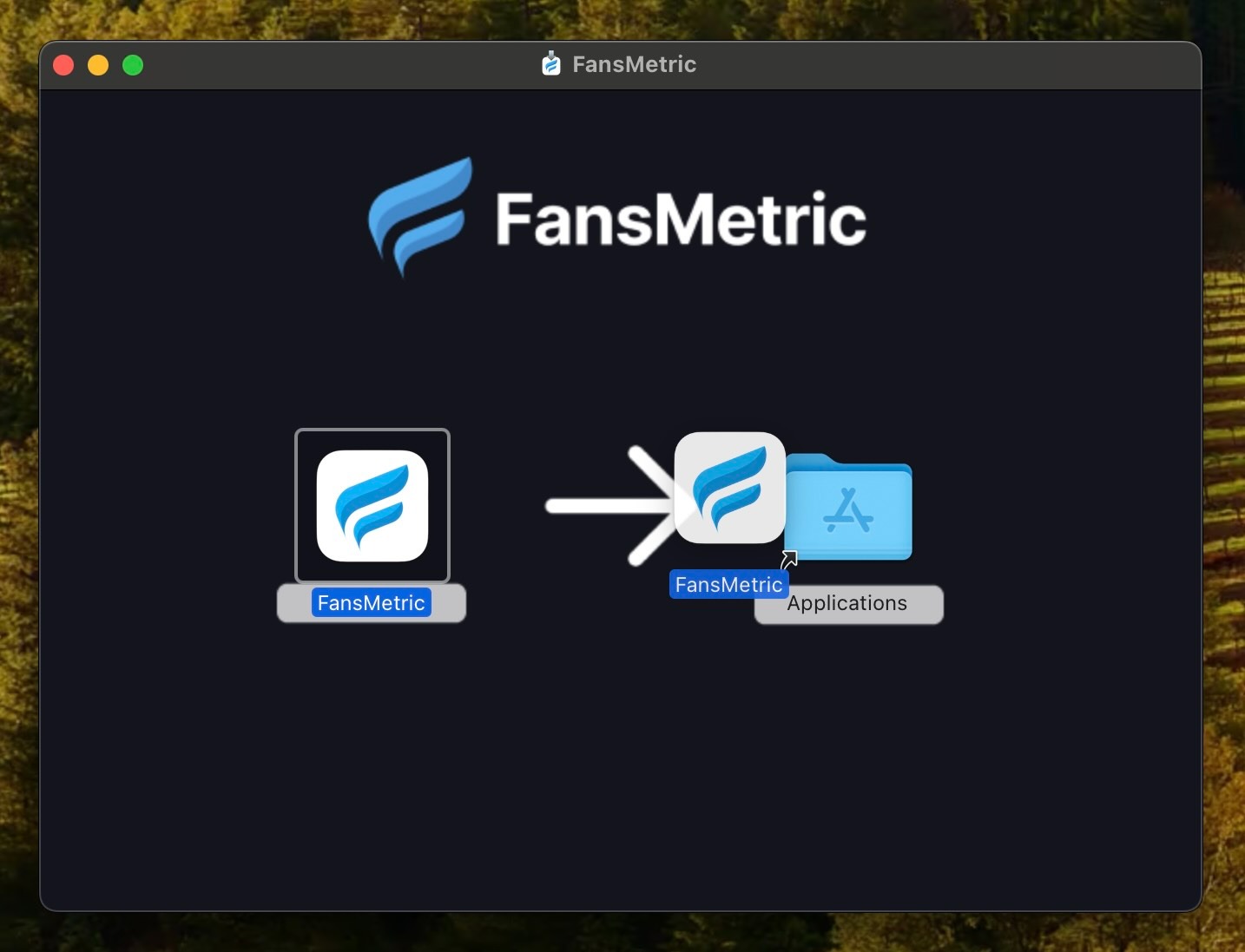
Step 3: Complete the Installation
- Drag the FansMetric App into your Applications folder.
Step 4: Open the FansMetric App
- Go to your Applications folder.
- Double-click the FansMetric app to launch it.
- That's it! Sign in to your existing FansMetric account or register a new one.